
Why Is My Android Battery Draining So Fast? 12 Easy Ways to Fix It
Is your Android battery dropping quickly even when you are not using
your phone? Here are practical ways to find the cause and improve
battery life.
⚡ Quick Answer
Check battery usage, reduce unnecessary background activity, lower
screen brightness, turn off features you are not using, update apps,
and check whether a particular app is consuming too much power.

1
Check Which Apps Are Using Your Battery
Before changing many settings, find out which apps are using the most
battery. This can help you identify an app that is consuming unusually
high power.
Android phone manufacturer and Android version.
2
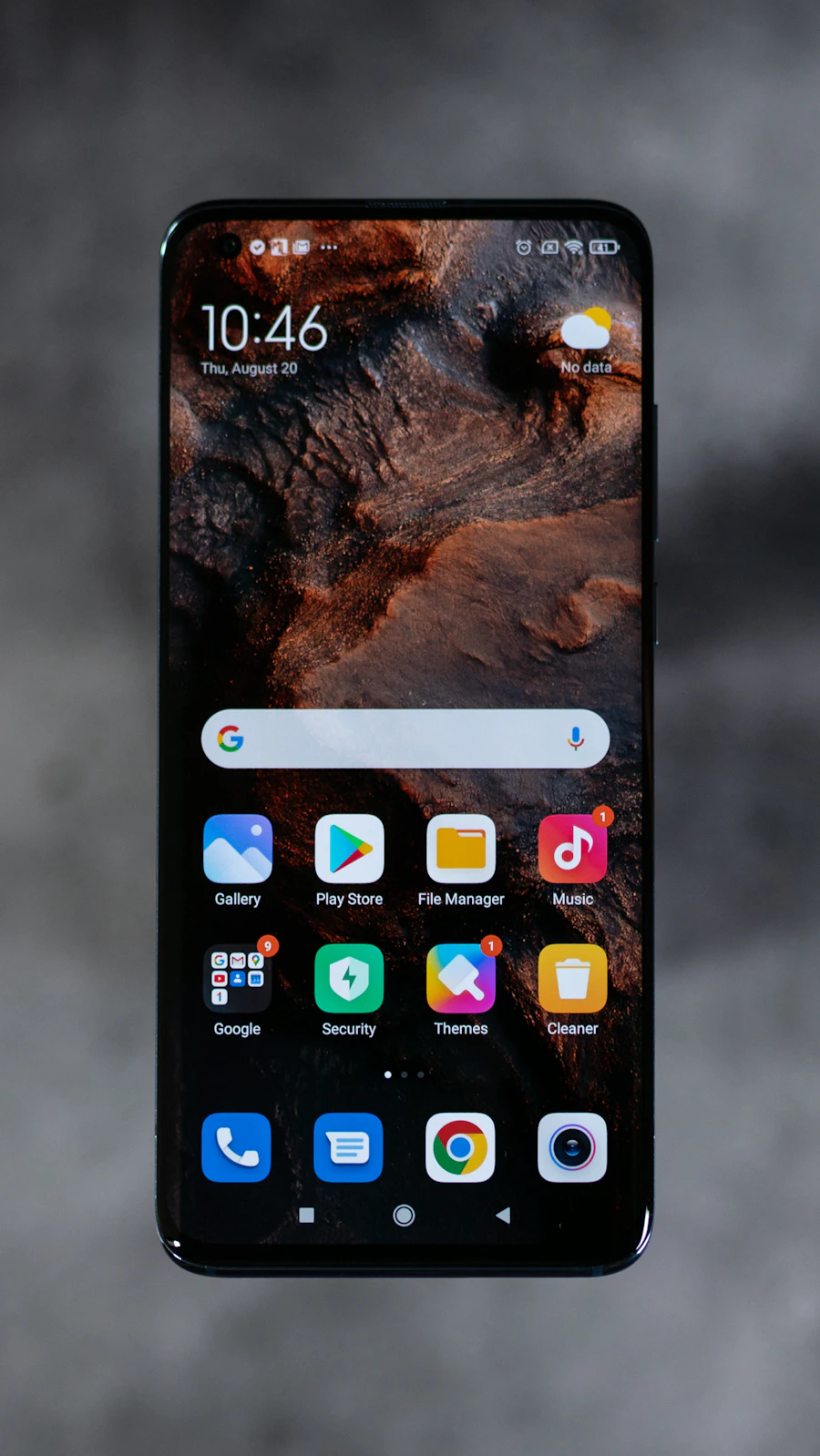
Reduce Screen Brightness
Your display can be one of the biggest sources of battery consumption,
especially when brightness is set very high.
- Reduce screen brightness.
- Use automatic or adaptive brightness if available.
- Reduce screen timeout when practical.
- Use a lower refresh rate if your phone provides the option.
3
Turn Off Features You Are Not Using
Features such as Bluetooth, hotspot, location, or other connectivity
options may use additional power depending on how they are being used.
4
Check Background Battery Usage
Some applications may continue performing tasks when you are not
actively using them. Check battery settings for apps with unusually
high background activity.
the setting does. Some restrictions can affect notifications or
background features.
5
Turn On Battery Saver When Needed
Battery Saver can reduce certain background activity and other
power-consuming behavior when your battery is getting low.
Open Quick Settings and look for Battery Saver.
6
Update Your Android Apps
Keeping apps updated can help resolve bugs and compatibility issues.
If an app has a battery-related bug, a newer version may address it.
7
Check for Android Updates
System updates can include bug fixes and improvements. Check whether
your phone has a pending Android or system software update.
8
Check Your Network Signal
A weak mobile signal can sometimes cause your phone to work harder to
maintain a connection. If you notice battery drain mainly in areas with
poor reception, network conditions may be part of the problem.
weak-signal area.
9
Avoid Excessive Heat
High temperatures can affect battery performance. Avoid leaving your
phone in very hot places, especially direct sunlight or inside a hot car.
it to cool down naturally.
10
Remove Apps You No Longer Need
If an app is no longer useful, uninstalling it can reduce unnecessary
storage use and background activity.
11
Check Battery Health and Phone Age
If your phone is several years old and the battery drains quickly even
with light use, battery aging may be one possible reason.
stop using the device and seek professional service.
12
Restart Your Phone
If your phone has been running for a long time or an app is behaving
unusually, restarting the device is a simple troubleshooting step.

❓ Frequently Asked Questions
🔋 Final Thoughts
Fast battery drain does not always mean that your battery needs to be
replaced. Start by checking battery usage and look for apps or settings
that may be consuming more power than expected.
Reducing unnecessary screen usage, managing background activity,
keeping software updated, and avoiding excessive heat can help you
get more from your Android battery.